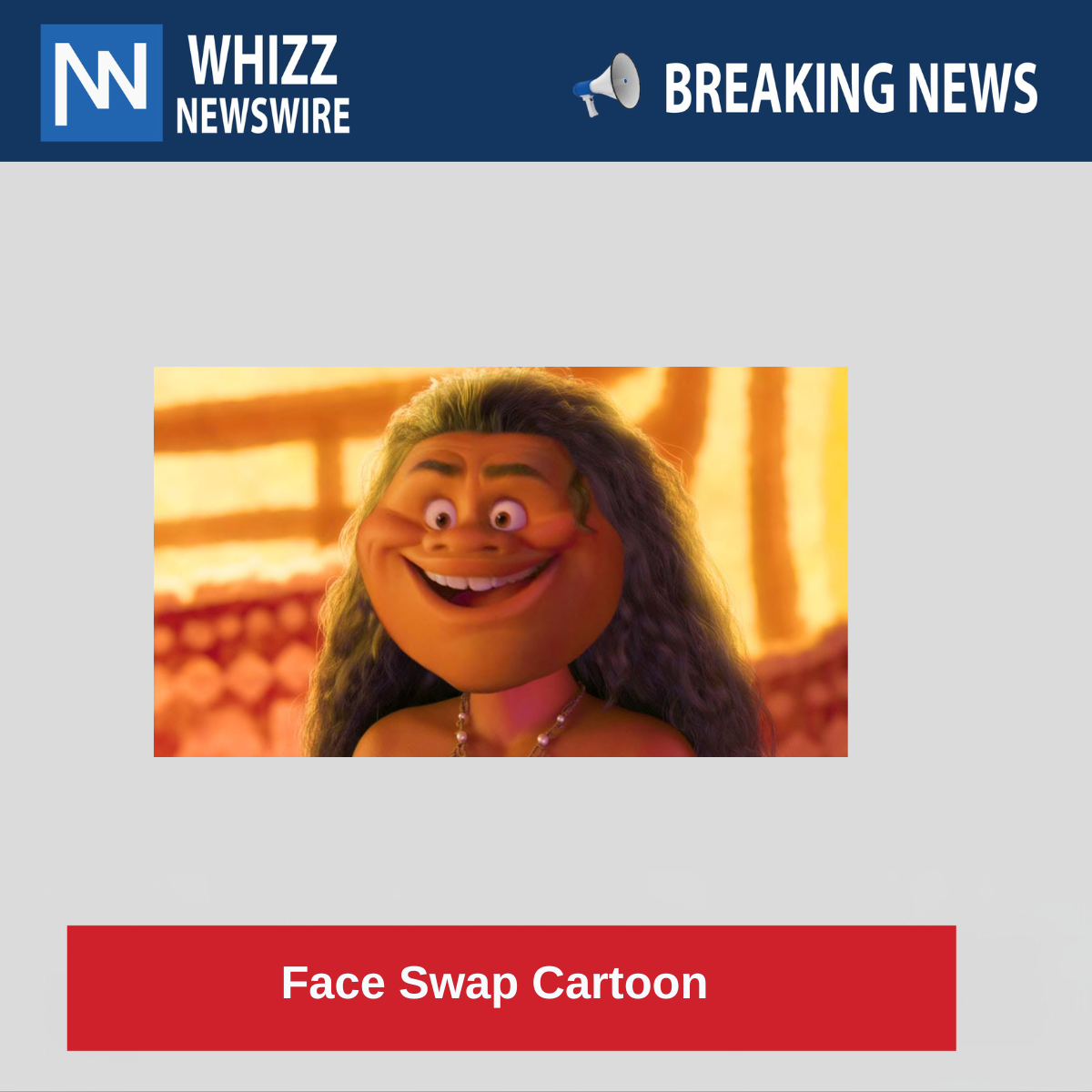
Creating a face swap cartoon combines both the art of digital image manipulation and the fun of animated styling. It involves replacing one person’s face with another in a cartoonized or animated form. This process has grown incredibly popular thanks to social media trends, memes, and advanced mobile apps. Let’s explore it in detail:
What is a Face Swap Cartoon?
A face swap cartoon is a stylized image where a person’s face is swapped with another either real or fictional and turned into a cartoon-style image. This can mean anything from:
- Swapping faces between two cartoon characters,
- Putting your face on a cartoon body (like a superhero),
- Or blending two real faces and turning the result into a cartoon.
How Does Face Swapping Work?
The Process (Technically)
- Facial Recognition: Software detects key facial points (eyes, nose, mouth, chin).
- Face Extraction: The face is extracted using AI or manual tools (like Photoshop).
- Morphing: The face is scaled and rotated to match the new base image’s angle.
- Blending: Color, lighting, and shadows are adjusted to make the face look naturally placed.
- Cartoonizing: A cartoon filter is applied to unify the style.
Cartoonizing Techniques
Cartoonizing an image can be done in several ways:
- Filter-Based: Using preset filters to smooth skin, enlarge eyes, and exaggerate features (used in apps like ToonMe or Voilà AI Artist).
- Manual Drawing: Digital artists redraw the swapped face in cartoon form using tools like Adobe Illustrator or Procreate.
- AI-Generated: Tools like Lensa or Artbreeder use neural networks to generate cartoon avatars from real faces.
Tools & Apps for Face Swap Cartoons
Mobile Apps:
- Reface App: For realistic face swaps in videos, GIFs, and stills.
- ToonMe: Turns your face into cartoon or vector-style art.
- Voila AI Artist: Transforms your face into 3D Disney or Pixar-style cartoons.
- FaceApp: Offers realistic age filters, smiles, and cartoon effects.
Web Tools:
- Fotor Face Swap: Swap faces and add effects.
- DeepSwap.ai: AI-based realistic face swap.
- Cartoonize.net: Turn photos into drawings or caricatures.
Professional Tools:
- Adobe Photoshop: For full manual face swaps with blending and cartoon filters.
- Adobe Illustrator: Best for vector-style cartoon drawing.
- Procreate (iPad): Used by artists to redraw faces in cartoon or comic book style.
Use Cases of Face Swap Cartoons
- Entertainment & Social Media: Memes, GIFs, and filters go viral.
- Marketing & Branding: Fun team photos or product promos.
- Personalized Gifts: Custom cartoon portraits for birthdays or anniversaries.
- Gaming & Avatars: Players use cartoonized versions of their real faces.
- Film & Animation Mockups: Swapping a celeb’s face on a fictional character.
Tips for Best Results
- Use high-res, front-facing photos with even lighting.
- Ensure matching head angles to minimize awkward blending.
- When cartoonizing, apply the effect after the face swap, not before.
- Choose apps or tools that offer manual adjustment features, so you can fine-tune the swap.
Face Swap Ethics & Cautions
While fun, always be mindful:
- Don’t use someone’s image without permission especially public figures.
- Avoid creating content that could be perceived as offensive or misleading.
- Respect platforms’ terms of service about manipulated media.
Summary
A face swap cartoon is a fun blend of photo editing, AI, and cartoon art. Whether you’re doing it for a meme, a gift, or a creative project, today’s tools make it easy and accessible even for beginners.
For similar content visit here